Hi! I'm Kilian, a product designer, musician, and former Oxford legal scholar.
Discover my work by watching my portfolio video above or by scrolling through this page. Or jump straight to one of the highlights:

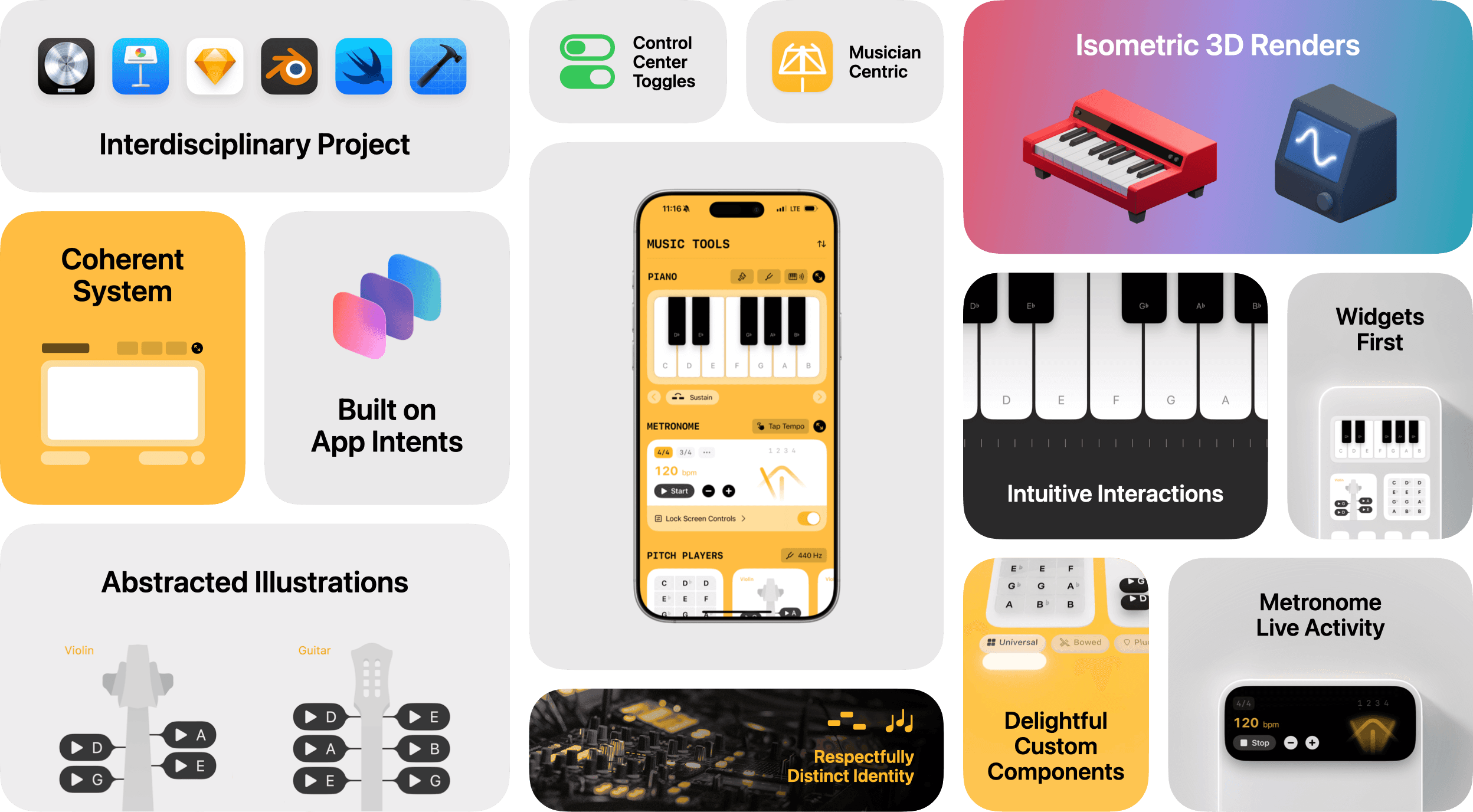
Essential Tools for Musicians, Available System-Wide
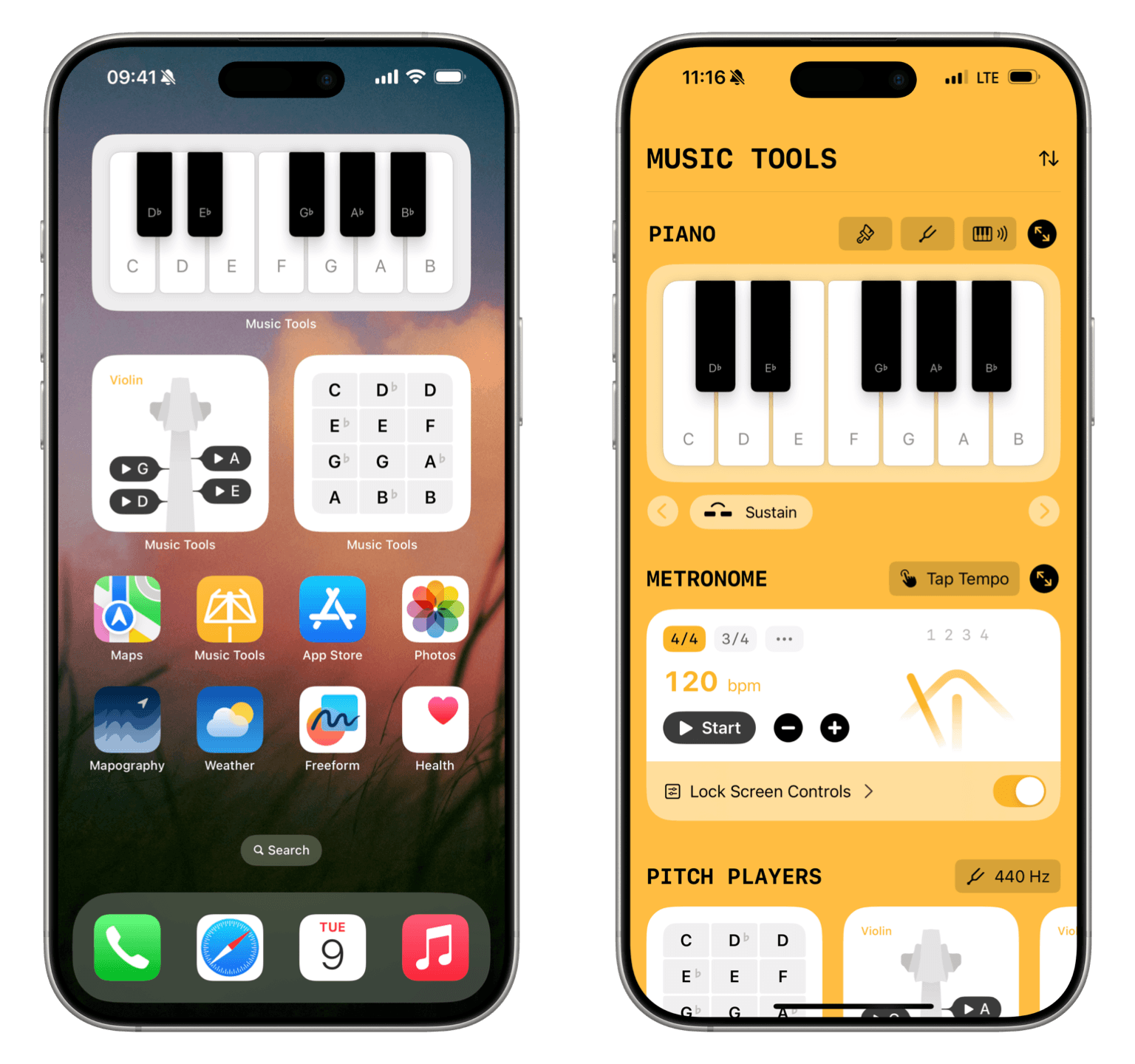
Music Tools brings the most vital tools to musicians throughout the system — in places like widgets, controls, and Live Activities. I designed the app and prototyped the app with SwiftUI.
Thoughtful Symmetry
The app’s main view maintains a consistent symmetry with the system experiences, by mirroring widgets and Live Activities. It surfaces all tools in a single, reorderable scroll view for maximum discoverability and ideal progressive disclosure. App-wide settings are accessible at the bottom of the view.
Visual Identity
Expressive but Grounded
Color and typography convey a strong visual identity that still feels restrained and native. Music Tools pays tribute to two major musical traditions, with a modern and a classical theme that even extend to the app icon.
The app icon sits seamlessly alongside system apps, but maintains a playful and multifaceted identity with its two variants: Orchestra and Band.
The app’s yellow, with a hint of gold, feels right at home illuminating the knobs and dials of a mixing board, while also referencing the brass of certain classical instruments.
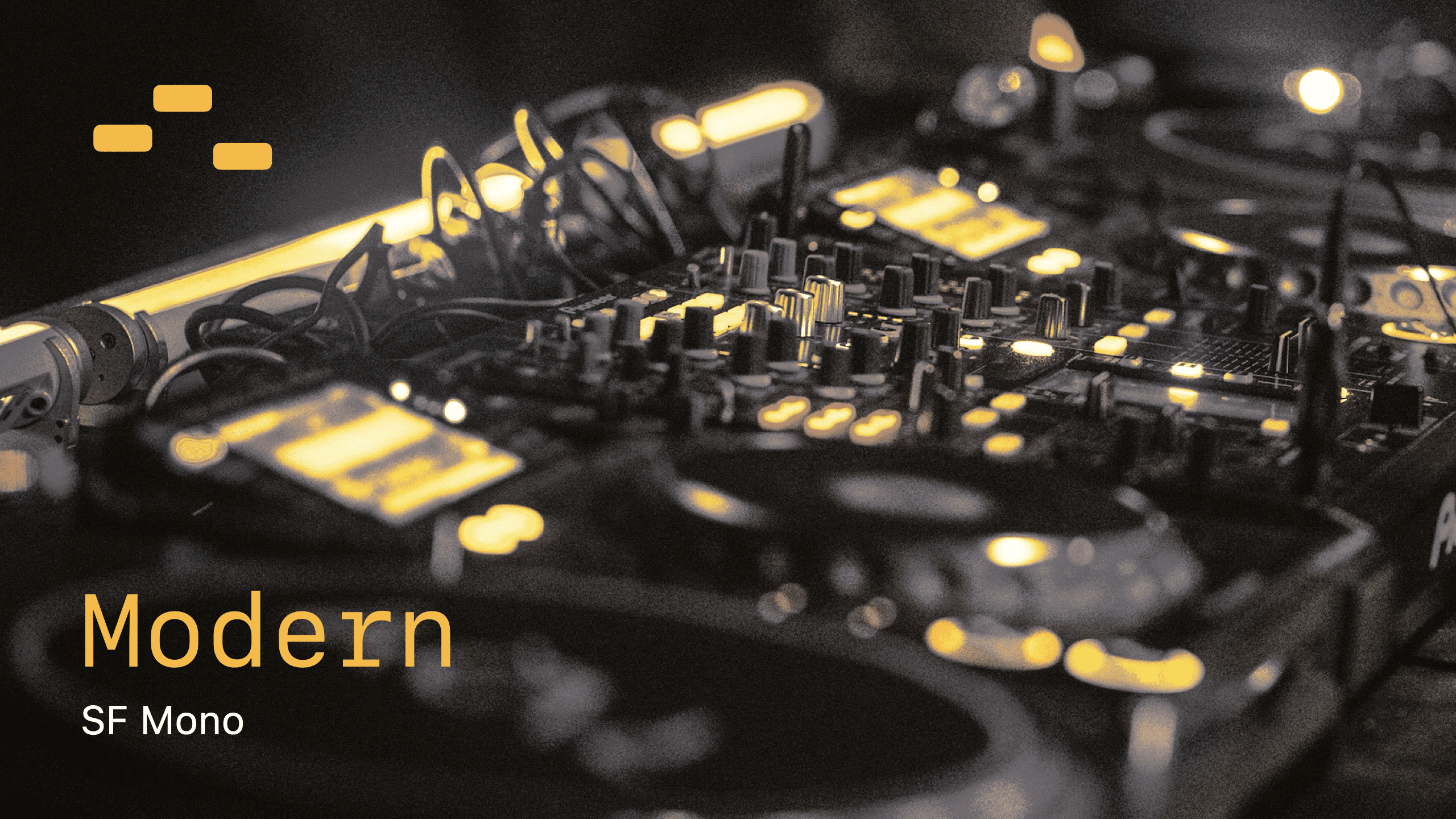
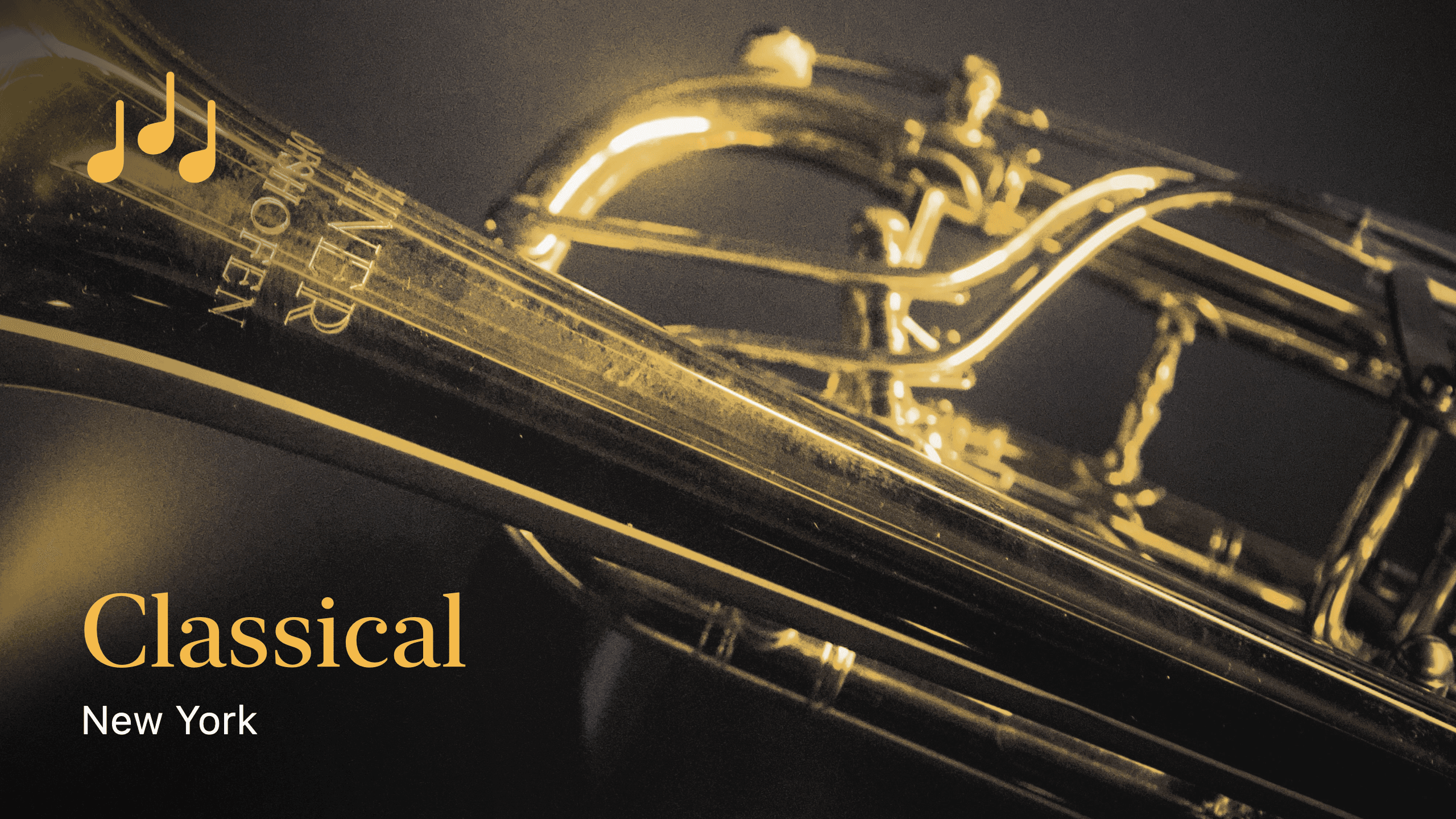
Using the monospaced and serif variants of the system font ensures that Music Tools feels native on iOS, but communicates that users are engaging with a third party experience that can’t provide certain system capabilities.
Tool Focus
Pitch Players
The Pitch Players mirror their respective real-life counterparts, without leaning too far into a photo-illustrative style that would feel out of place on a Home Screen widget.
In app, the Pitch Players are arranged in a horizontal scroll view and grouped into different instrument categories.
Custom Navigation with Familiar Roots
To quickly navigate across the scroll view, I built a custom cell picker component that combines the fluid animations of Apple Music’s cell picker with the background delineation that individual capsules around each element offer.
Apple Music’s cell picker without capsules around each element. It offers fluid animations and works well in focused environments.
WhatsApp’s cell picker with capsules around each element. It works well in more cluttered environments, but loses interactivity.
Tool Template
Functional Clarity, Informed by Constraints
Widgets and Live Activities offer limited space, and only recognize tap gestures.
So where should in-app controls for additional features go? I wanted to maintain symmetry between Home Screen widgets and the main app.
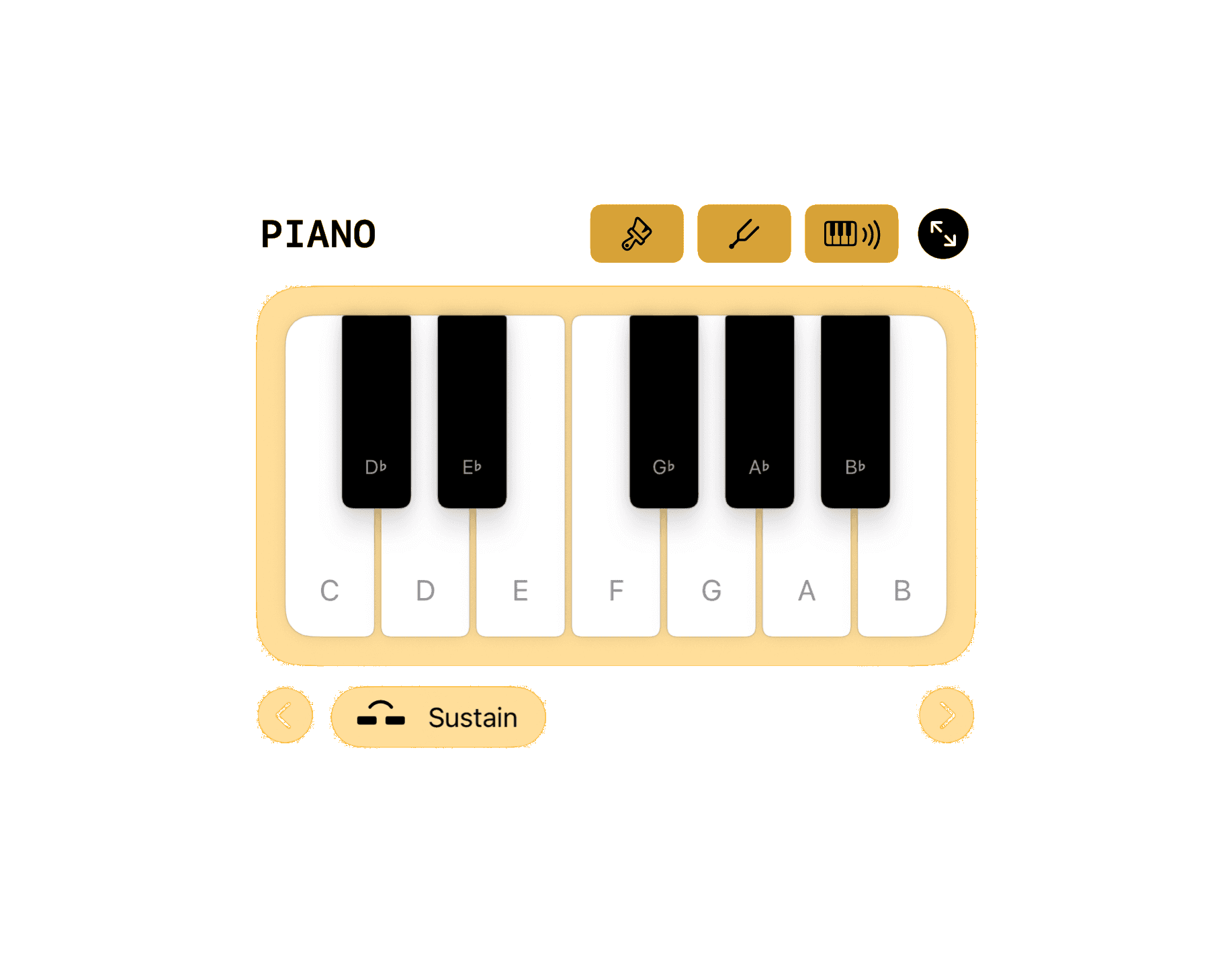
Therefore, additional controls are separated into two functional categories: Configuration controls (such as changing the Piano’s tuning) and playing controls (such as enabling the sustain pedal).
Playing controls sit at the bottom of the tool, but still form part of it: they share the same material treatment as the tool base. Placing them on the bottom edge means they are easily reachable.
Configuration controls form part of a title toolbar. They receive the same material treatment as the title text, and sit on a functional layer behind the tool.
Their corner radius is chosen to harmonize with SF Mono's round characters.
Tool Focus
Piano
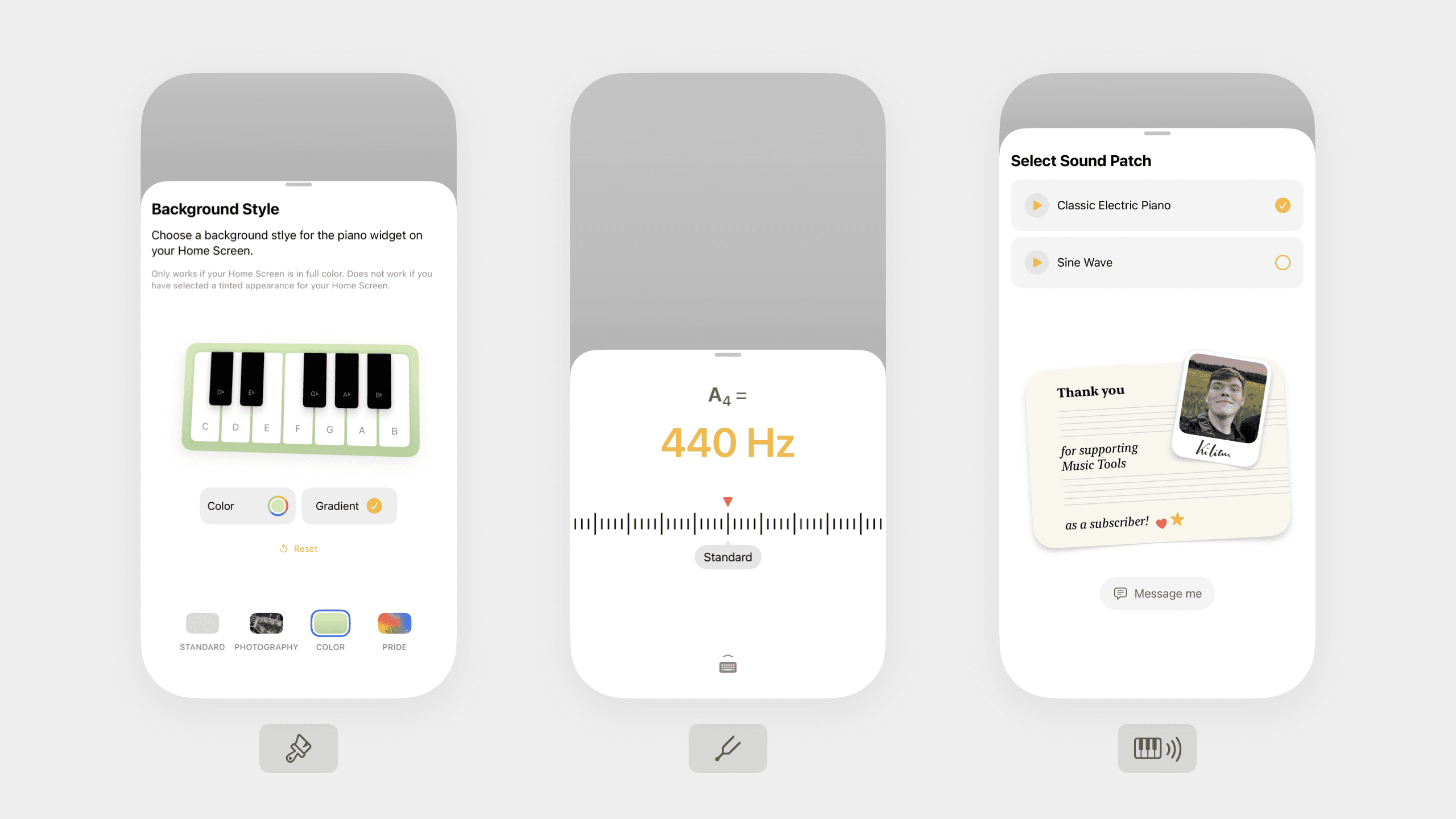
The Piano Tool applies the tool template with simplicity and grace. Playing controls to change the octave or toggle sustain sit in the playing bar at the bottom. Configuration controls to adjust the styling of the widget, the piano’s tuning, and the active sound patch sit in the title toolbar.

Initial Thoughts
A Nonlinear Journey
I have a slightly unusual background story.
In school, I was fascinated by the sciences and the arts — building a digital reflected light microscope that could make a one-atom thick layer of graphene visible, but also picking up a camera and getting into photography, or making music with my friends.
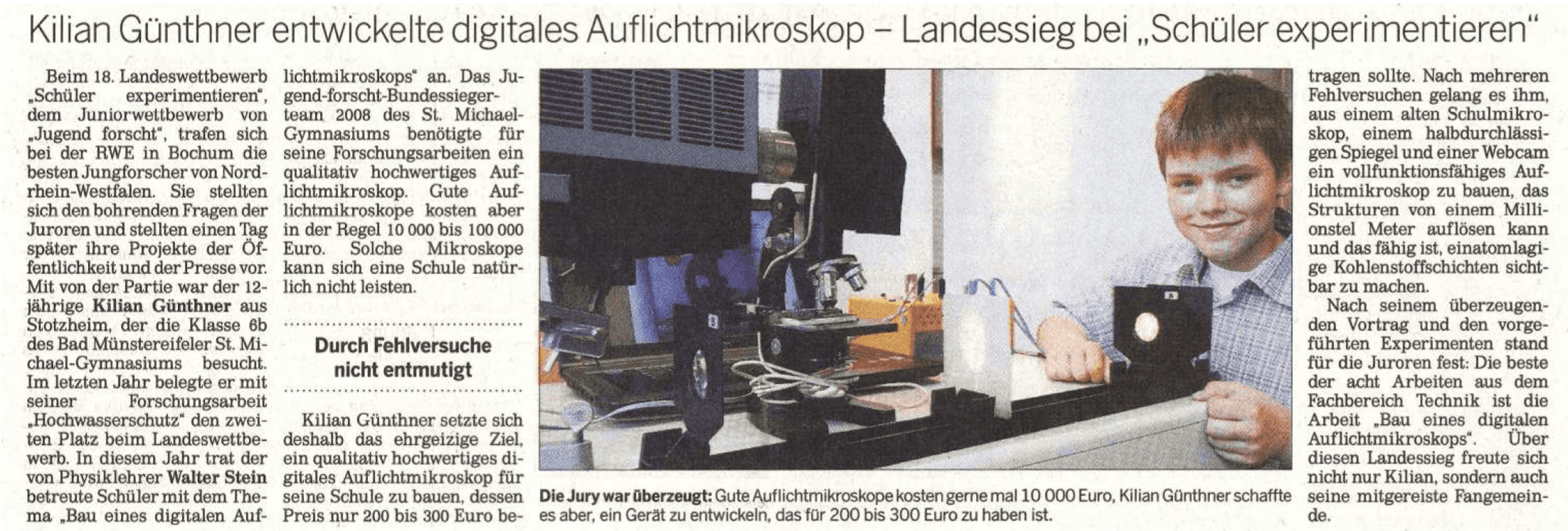
Newspaper Excerpt: “Kilian Günthner Developed Digital Reflected Light Microscope - First in State Level Science Competition”. Learn more.

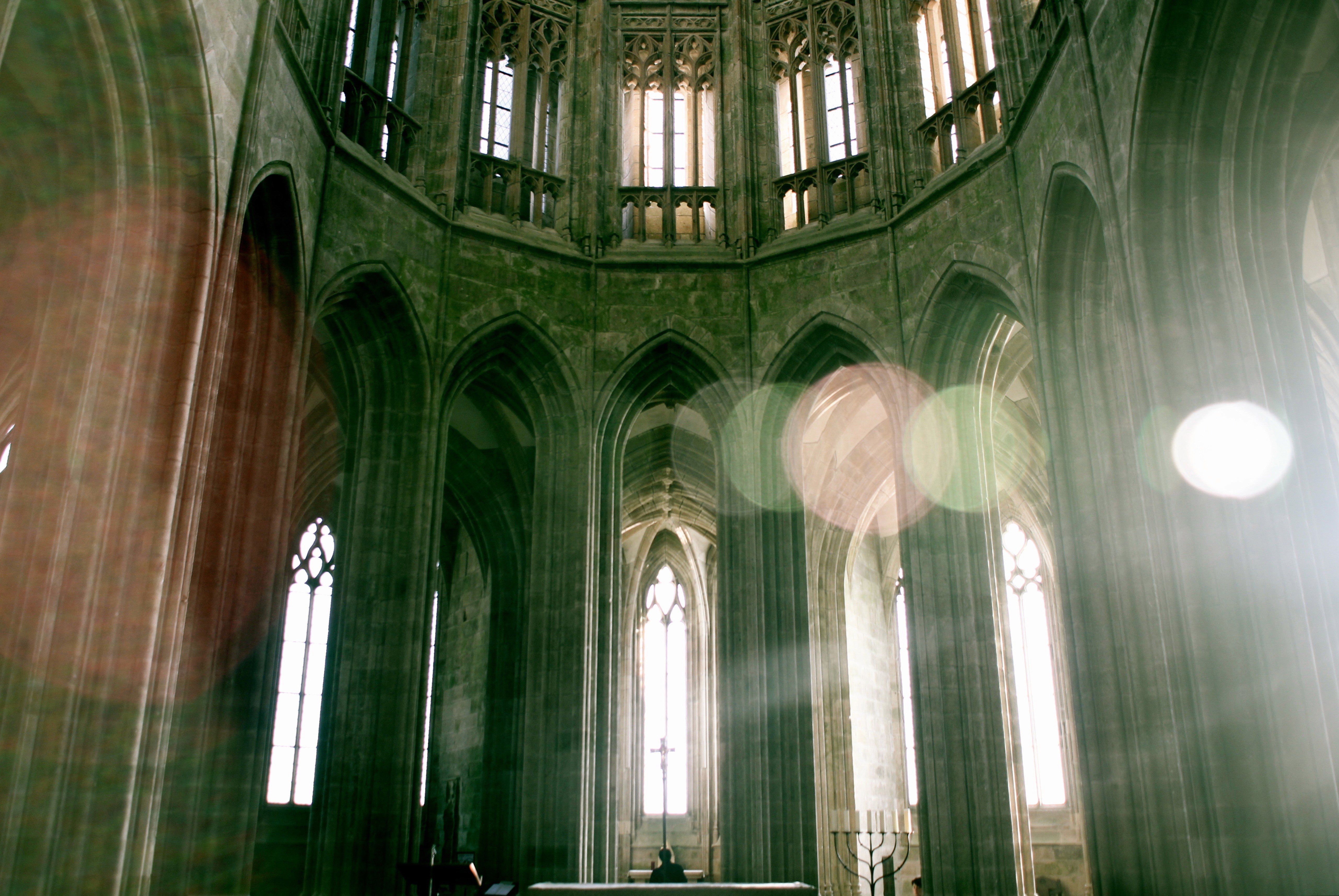
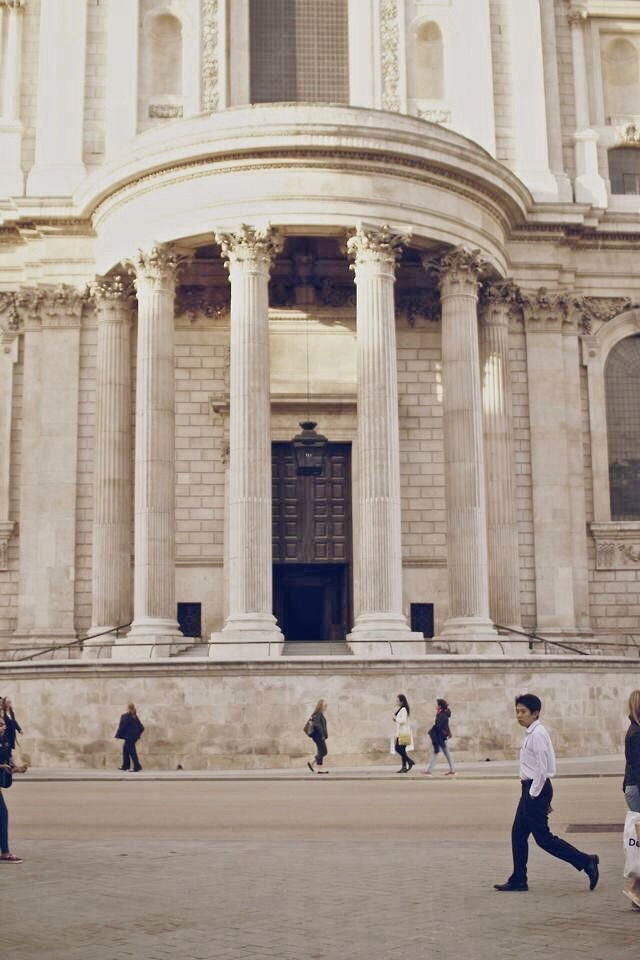




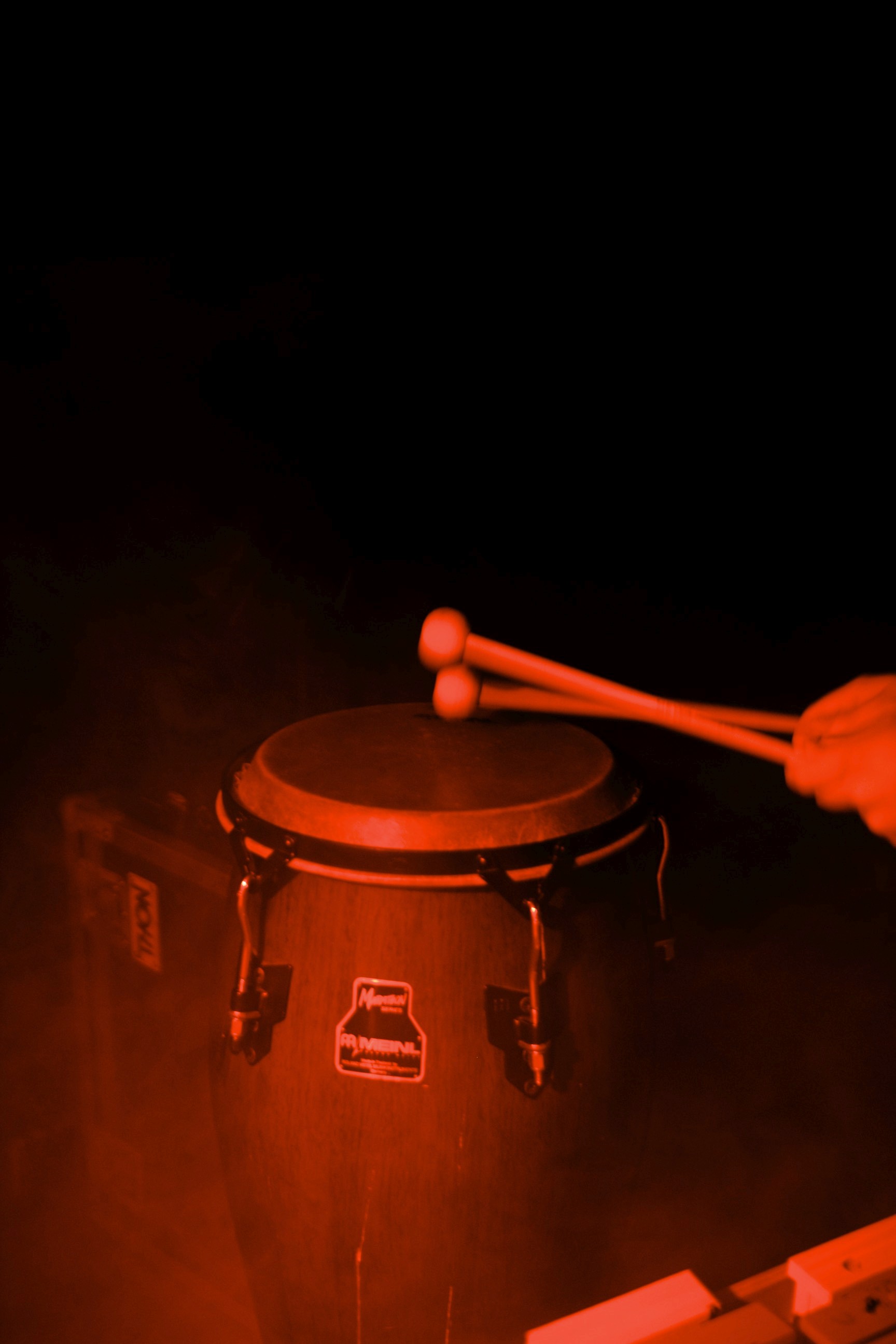
A selection of my photography.
Then, right out of high school, I founded a social startup to connect refugees with volunteering hosts in Germany. Eventually, this project had to shut down because the legal landscape changed, after political tides shifted to the right. I realized that, while I had the creative skills for a project like this, I didn't have the skills to navigate the political and legal hurdles that are a necessary part of most projects with a strong impact dimension. So, I decided that I needed to study law.
During my studies, I worked at a major law firm in Mergers & Acquisitions and interned in German parliament. Then, I was accepted at the University of Oxford as a visiting research student. After developing this legal toolkit though, I wanted to return to my creative roots. I released Music Tools and began work on Mapography, my (work in progress) portfolio app.
A Spatial Way to Tell My Story
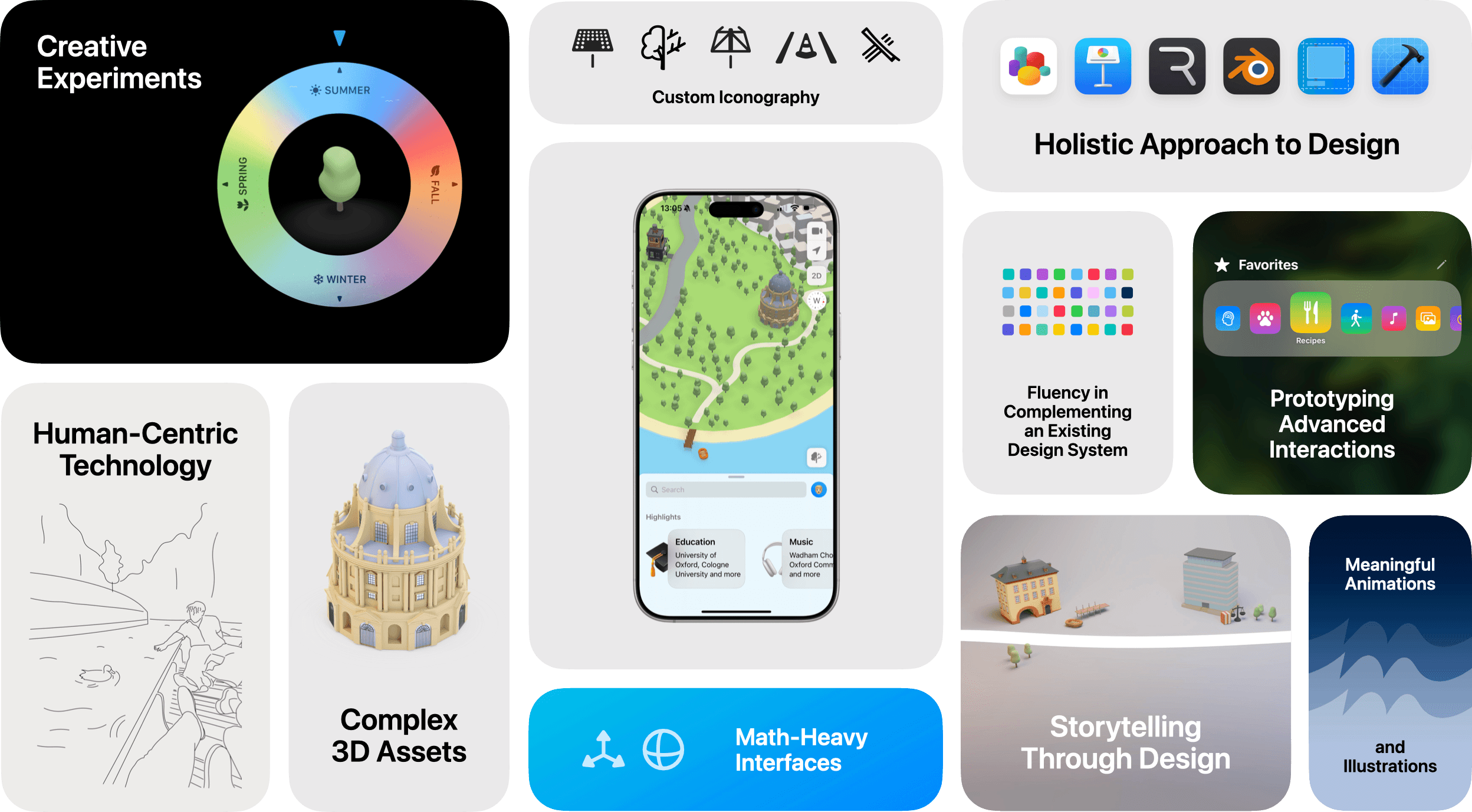
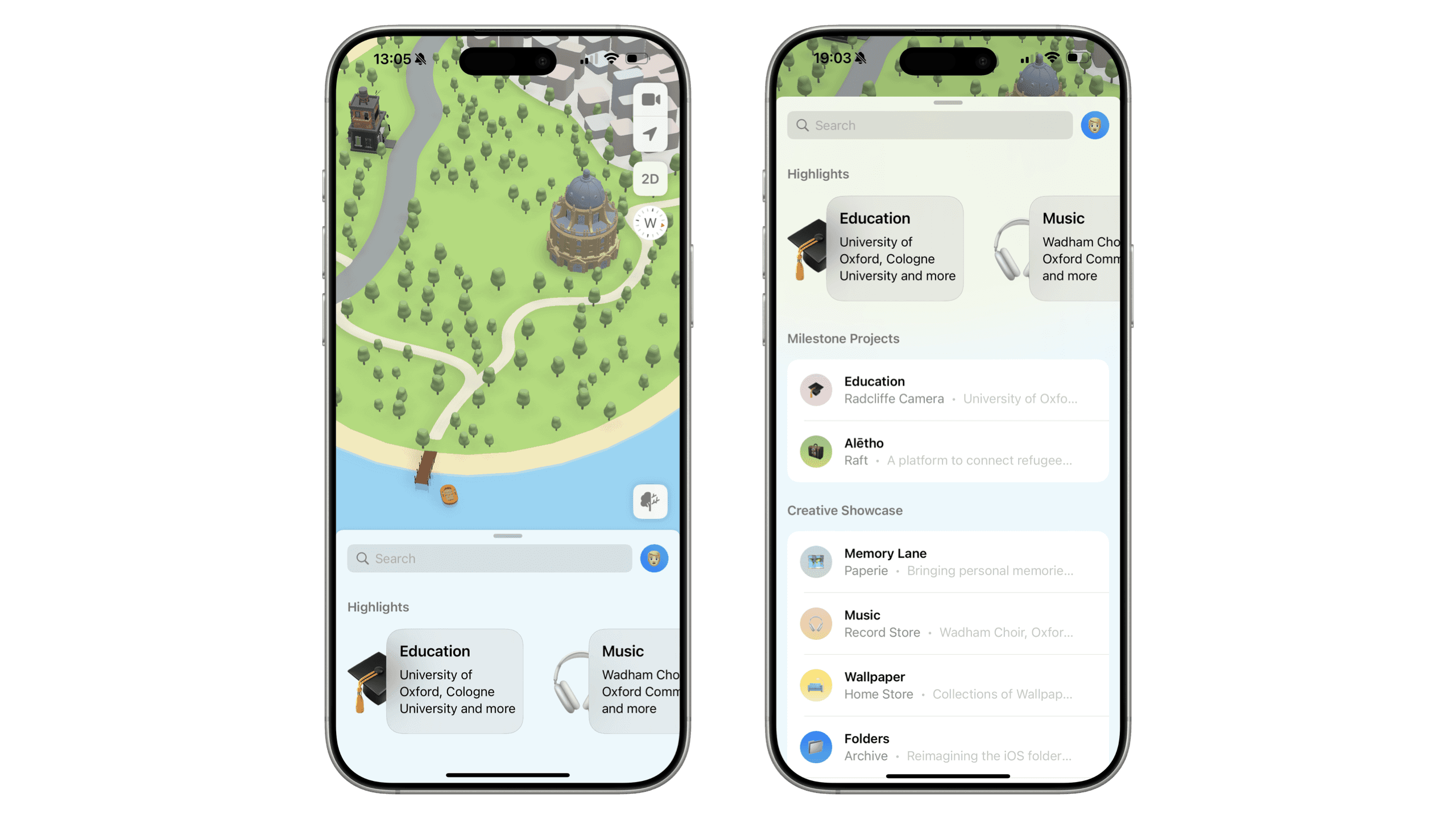
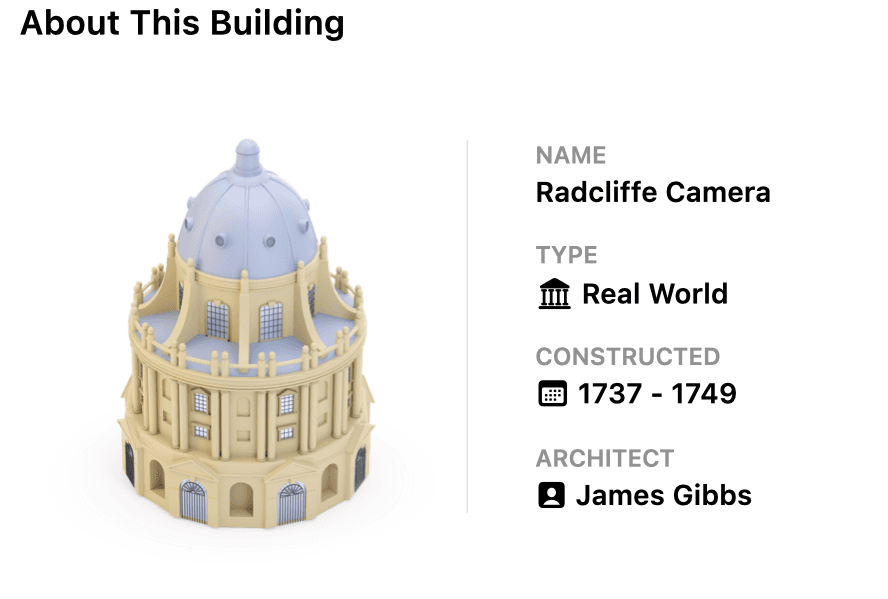
To tell this unusual story, I set out to design and build an interactive portfolio map app on the SceneKit framework and inspired by the Apple Maps app, where buildings on a fictional faraway island represent the milestones of my life so far, or showcase individual interactions I designed.
I thought this would be a fun and interactive way to share my story in a way that taps into how we think and showcase my 3D skills in addition to my SwiftUI and trigonometry skills.

Icon and Name
Map + Biography = Mapography
The icon references the initial "M" in calligraphy form. This "M" then turns into waves of the ocean that surrounds Mapography's fictional island.

Putting Seasons on the Map
With dark mode, the map already adapts to day and night, so users may expect environmental awareness. Extending that logic to include seasons felt like a natural next step.
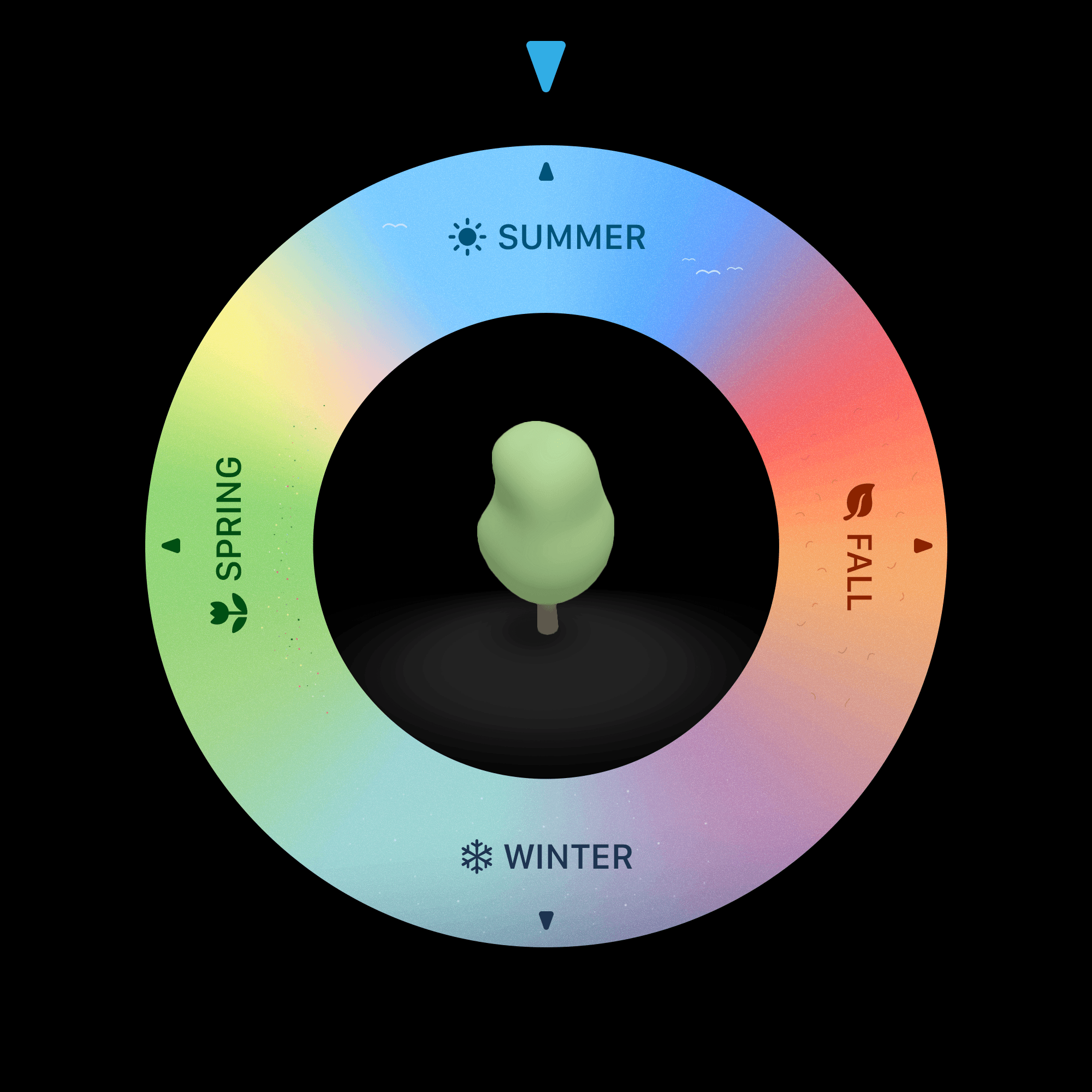
For Mapography's fictional map, I designed a custom season picker inspired by the iPod click wheel. It gives users a direct, familiar way to explore seasonal changes. As the picker rotates, foliage across the map updates to match, from spring greens to fall tones, adding a layer of visual context that feels both subtle and intuitive.
A first prototype of a seasonal map. The seasons toggle turns into the sheet's drag indicator (animation slowed).
Overview
A Unified Gesture
Open apps in folders with a single, interruptable hold-and-scrub gesture. The target app opens upon release. Easily identify folders using a customizable category icon.
The folders interaction is an experiment that lives inside the Mapography app.
Initial Thoughts
The Purpose of Folders
Folders are a compromise by design.
Let’s first imagine a single canvas where all apps are surfaced on the same hierarchical level. This has some advantages: apps are now accessible with a single tap, and immediately visible with their icon and name. But humans think in categories — a state like this does not feel resolved.
So, we introduce roadblocks, like taps. These roadblocks keep us from accessing a folder’s content instantly, but they introduce clarity. Not all roadblocks are created equal, though: some introduce more friction, others less. I think that keeping roadblocks minimal is the primary design objective for folders.

Project Goal
Minimizing Friction
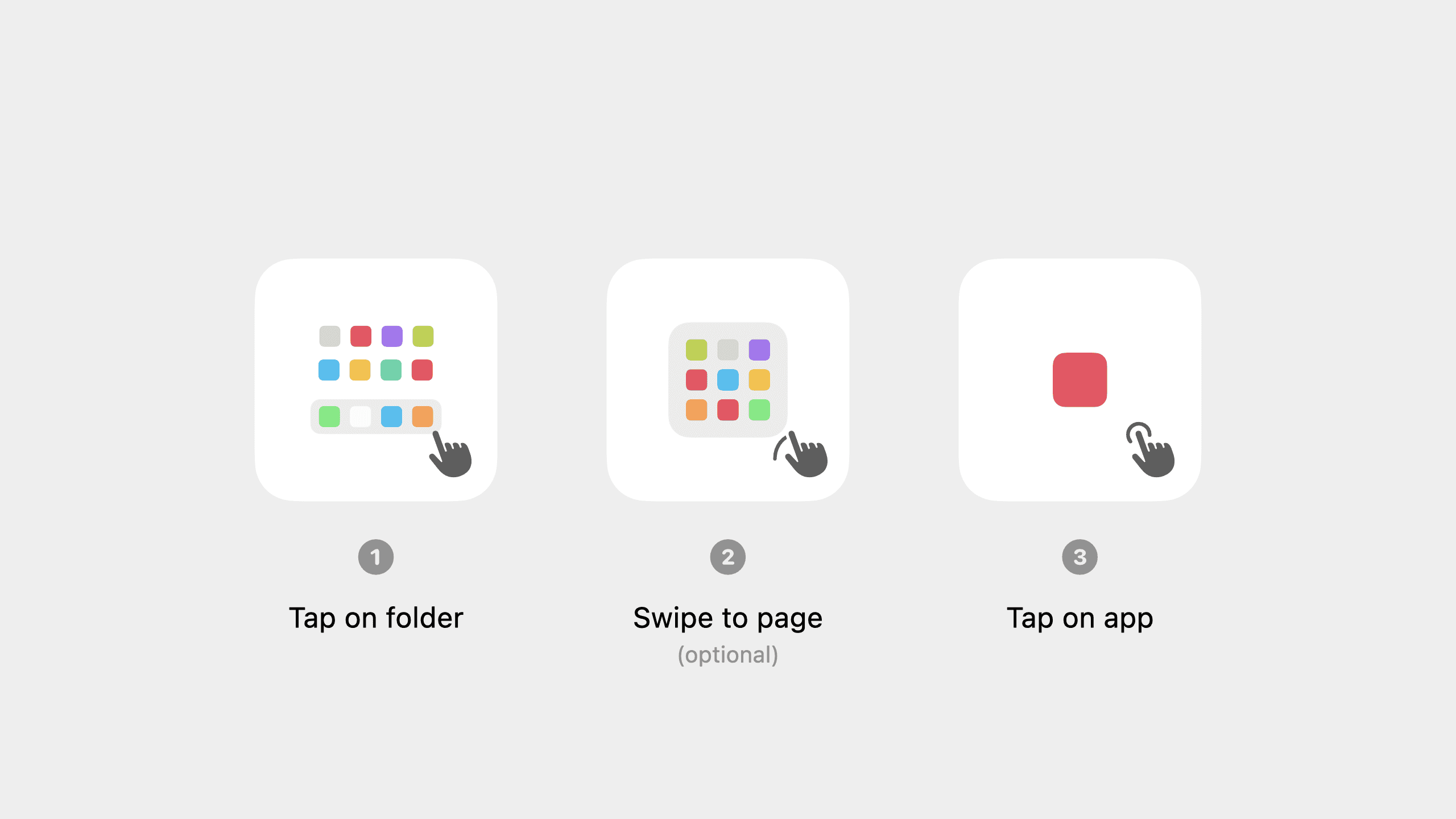
Currently, to open an app in a folder, a minimum of two taps is required.
The pop-and-scrub interaction that I designed and built allows users to open apps in their folders in a single gesture. The interaction is cancellable. Once users move their finger beyond a certain threshold, the folder becomes scrollable.
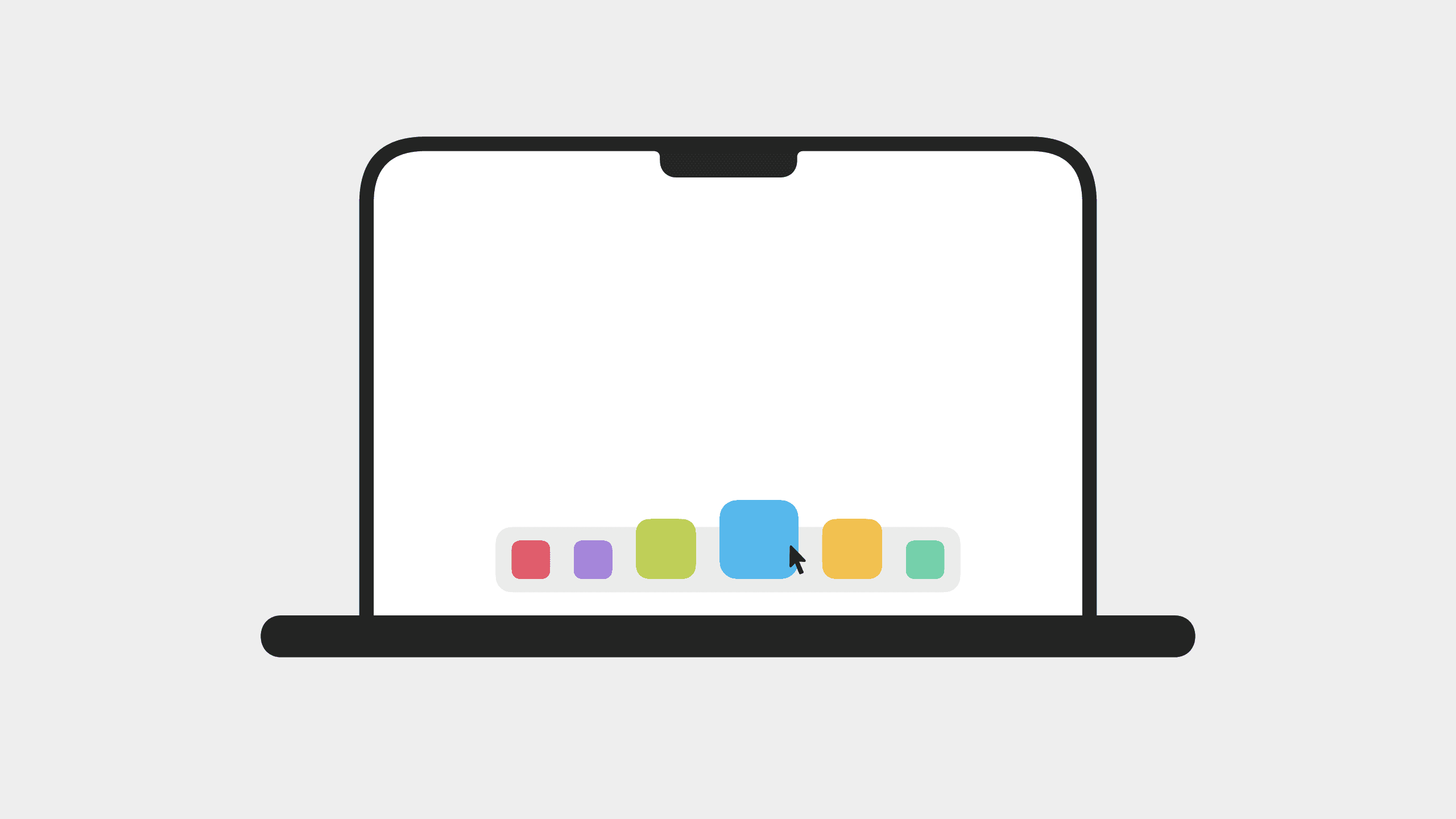
Because folders are such an integral part of iOS, any changes to their behavior need to be deeply rooted in familiar patterns. The folder interaction takes inspiration from the scrubbing interaction of the macOS dock.

Initial Thoughts
What's between control and immersion?
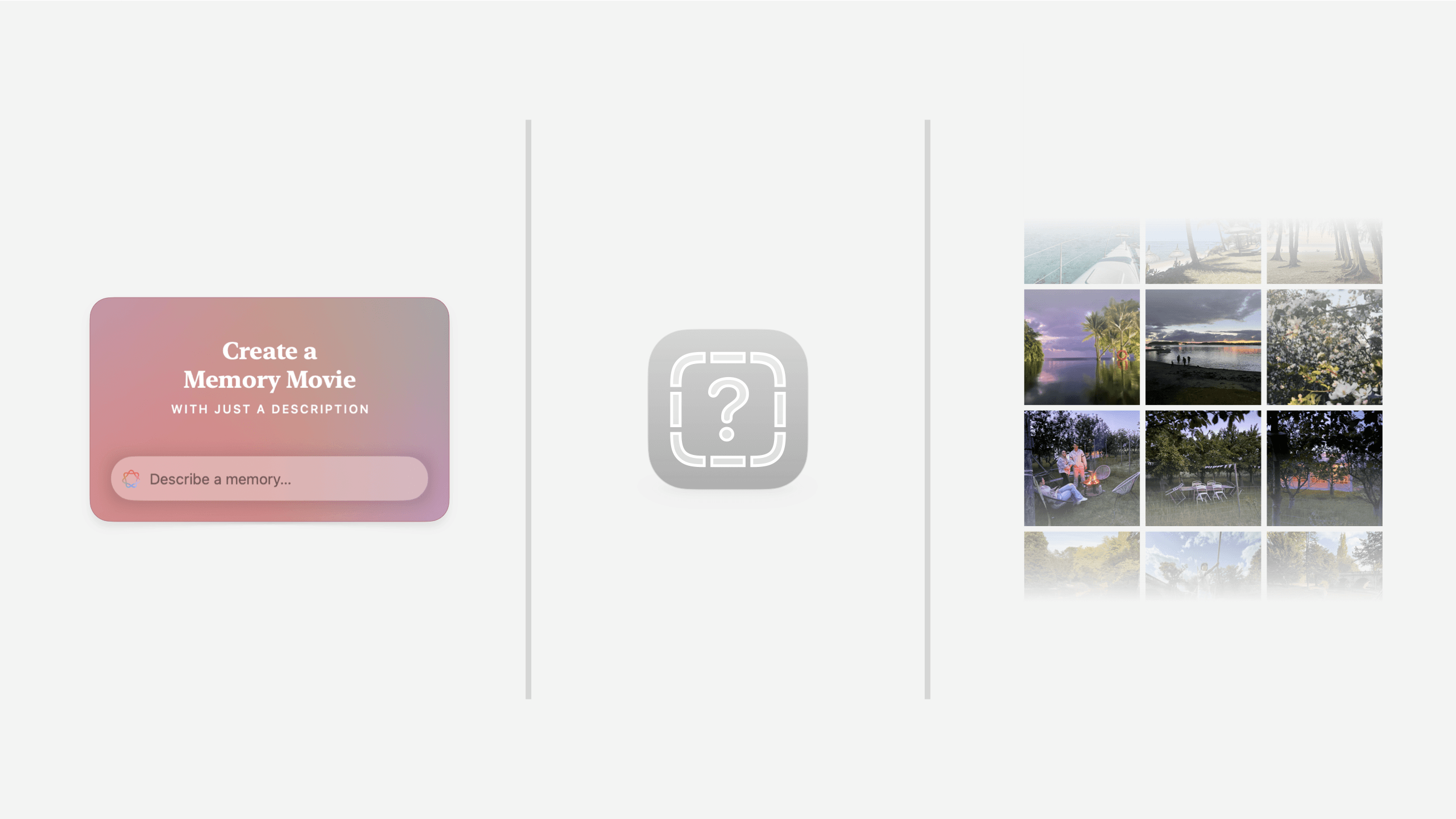
Currently, the iOS photos app offers two fundamental ways of reliving memories: manually scrolling through your library or watching a system-curated memory movie.
These two interactions sit on opposite ends of a spectrum: scrolling offers a lot of control, but isn't as immersive. Watching a memory movie is highly immersive, but users surrender control to the system, and manual changes to the movie require tapping out of the experience.
Goal and Idea
Sound as a Layer of Memory
I wanted to find a third way to experience photos that sits right in the middle — that combines the casual control of scrolling with the immersiveness of a system curated memory movie.
Powered by semantic image segmentation, the scene depicted in a photo is identified and then mapped against a foley (ambient sound) library. The system creates a spatial audio soundscape that transports users back to a memory, as they swipe through their photos.
The Ambient Sounds for Photos interaction is a concept that lives inside the Mapography app.
Demo
(Sound On)